


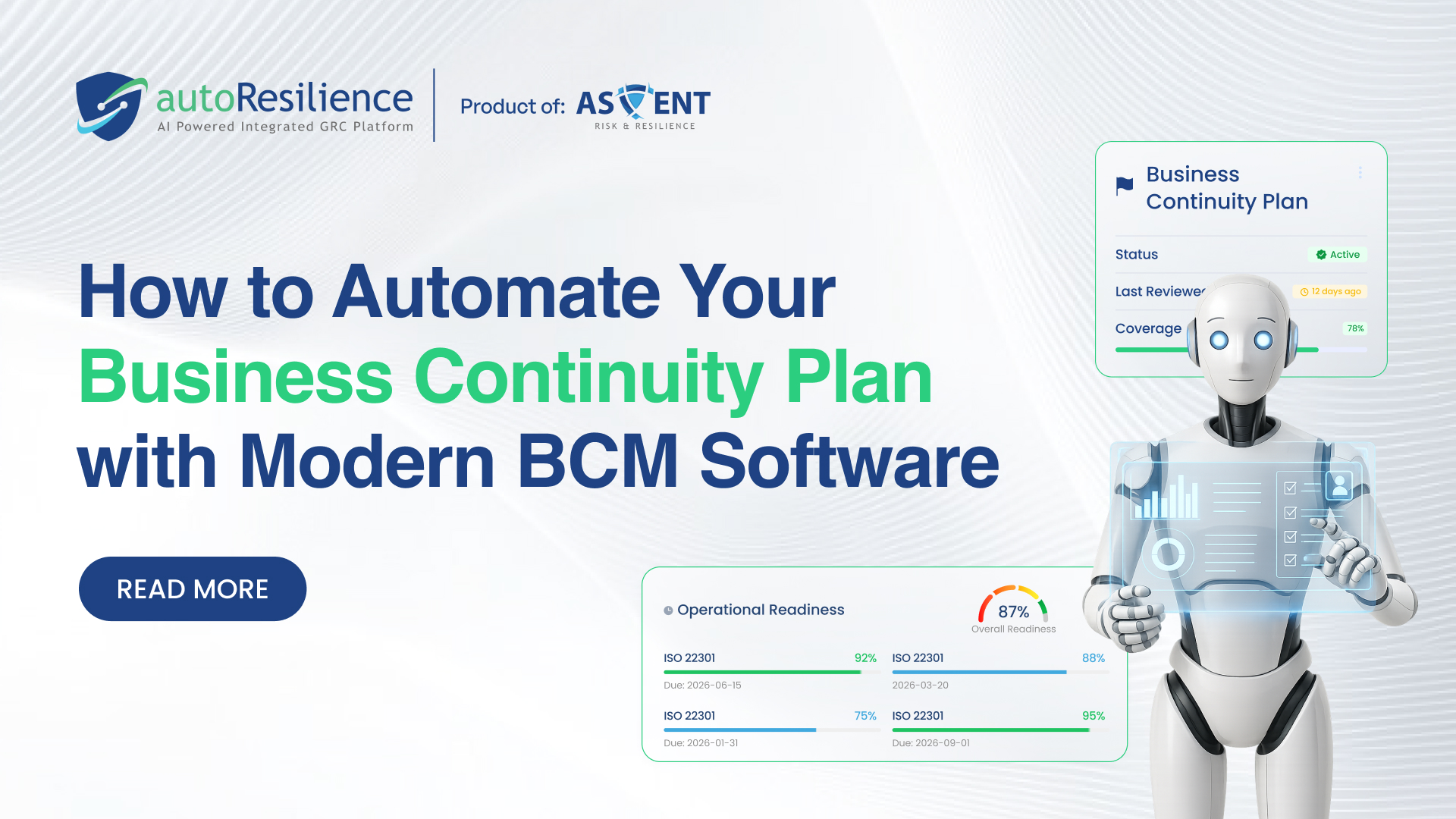
How to Automate Your Business Continuity Plan with Modern BCM Software

Shambhavi Singh
May 21, 2026
Manual BCPs are out of date before they’re finished. Modern BCM software changes that automating everything from risk assessment to crisis activation so your plan actually works when you need it.
A business continuity plan that lives in a shared drive is not a plan. It is a document. The difference between the two is automation and modern BCM software is what makes that difference real.
Most organizations have a business continuity plan. Far fewer have a business continuity programme, a living, continuously updated system that detects risk, triggers response, coordinates teams, and collects evidence without requiring a team of specialists to manually maintain every moving part. The gap between those two things is exactly where disruptions cause the most damage.
The average manually maintained business continuity plan is updated once a year if an organization is disciplined. In that year, supplier relationships change, systems are replaced, teams reorganize, and regulatory requirements evolve. The plan your team executes during an incident is describing a version of your organization that no longer exists.
What Does It Actually Mean to Automate a BCP?
Automation in BCM does not mean removing humans from the process. It means removing the manual, repetitive, time-sensitive tasks that make BCM maintenance unsustainable and crisis response dangerously slow. It means the platform handles the administration so your team can focus on the decisions that actually require human judgment.
A fully automated BCP does four things that a manual plan structurally cannot:
Stays current automatically
As your organization changes new systems, new suppliers, new processes the platform updates dependencies, impact scores, and recovery priorities in real time. No annual refresh required.
Activates without delay
When a trigger is detected, playbooks activate instantly notifying the right people, assigning tasks, and launching response workflows before a human has opened their laptop.
Collects evidence continuously
Every plan update, test result, and incident action is automatically logged, time-stamped, and stored so audit evidence is always assembled, not scrambled together at the last minute.
Monitors risk without being asked
AI continuously scans internal operations, supplier signals, and external threat data surfacing emerging risks weeks before they become incidents your team has to manage.
Six Stages of BCP Automation And How Modern Software Handles Each
Automate your Business Impact Analysis
The BIA is the foundation of every business continuity plan identifying critical processes, their dependencies, and the consequences of disruption over time. Manually, it requires weeks of workshops, interviews, and data consolidation. However, automated BCM software runs a continuous BIA, dynamically recalculating impact scores and recovery time objectives as your organizational topology changes. When a new system is added or a supplier relationship ends, the BIA updates automatically not at the next annual review.
Automate risk identification and scoring
Manual risk assessments are opinions formed at a point in time. AI-powered risk monitoring is a continuous process ingesting threat intelligence feeds, regulatory update databases, supplier performance data, and internal operational metrics to surface emerging risks in real time. Instead of discovering that a critical supplier’s financial position deteriorated between your last assessment and their failure, your platform flags the risk weeks earlier when you still have options.
Automate plan maintenance and version control
Every time something changes in your organization, your BCM plans need to reflect it. Modern BCM software connects plain content to live organizational data so when a system owner changes, a critical process is restructured, or a key vendor is replaced, the relevant plan sections are flagged for review and updated through automated workflows with defined owners and deadlines. No more “who owns this section?” at 3am during a crisis.
Automate exercise scheduling and findings management
Exercises and tests are the proof of your plan’s effectiveness and the part most likely to be skipped when teams are busy. Thus, an automated modern BCM software schedules exercises, sends invitations, tracks participation, records outcomes, and critically generates remediation actions linked to the specific plan sections that the exercise identified as inadequate. The loop between exercise finding and plan improvement closes automatically, rather than requiring a follow-up process that rarely happens.
Automate crisis activation and response coordination
This is where automation delivers its most dramatic impact. When an incident meets predefined trigger criteria, modern BCM software activates the relevant playbook instantly, notifying crisis team members, assigning tasks based on role, pushing stakeholder communications, and tracking response progress through a unified dashboard. The response that previously took 2–4 hours to mobilize happens in minutes. Every decision, action, and communication is automatically logged for post-incident review and regulatory audit.
Automate compliance reporting and audit evidence
ISO 22301, DORA, SAMA, RBI, and CBUAE all require documented evidence of BCM programme effectiveness. Automated BCM software collects this evidence continuously plan version histories, exercise records, BIA outputs, incident logs, regulatory notifications and stores it in a centralized, audit-ready repository. When your auditor arrives, the evidence package is assembled in minutes, not weeks. Compliance becomes a byproduct of running your programme, not a separate exercise.
Before and After: What BCM Automation Changes
Manual BCP — Before
- BIA updated annually, outdated immediately
- Risk reviews happen quarterly at best
- Plans live in shared drives, rarely accessed
- Crisis team assembled via phone — takes hours
- Exercises skipped when teams are busy
- Audit evidence scrambled over weeks
- No real-time compliance visibility
- Third-party risk missed between reviews
Automated BCM — After
- BIA updates continuously with organizational changes
- Risk monitored in real time by AI
- Plans linked to live data, always current
- Crisis playbooks activate in under 30 minutes
- Exercises scheduled and tracked automatically
- Evidence collected continuously, audit-ready always
- Live compliance dashboard for leadership
- Supplier risk monitored 24/7 with early warning
What to Look For in BCM Automation Software
Not all BCM platforms deliver meaningful automation. When evaluating options, these are the capabilities that separate genuinely automated BCM from digitized manual processes.
- Continuous BIA not a form. The platform should maintain a live BIA that updates automatically as the organization changes, not a data entry template that produces a static report.
- AI-powered risk monitoring. Risk signals have to be ingested and scored automatically from external and internal data sources not entered manually by a risk team on a quarterly schedule.
- Automated crisis activation. When trigger criteria are met, the platform should initiate response workflows, assign tasks, and send notifications without waiting for a human to declare the incident.
- Exercise findings linked to plan updates. The platform should close the loop between exercise findings and plan improvements automatically not generate a report that requires a separate follow-up process to action.
- Regulatory framework alignment built in. Compliance reporting against ISO 22301, DORA, SAMA, and other frameworks should be automated not a manual mapping exercise every audit cycle.
- Third-party risk monitoring. Supplier and vendor risk should be continuously monitored and scored not assessed annually through questionnaires that are obsolete before they’re returned.
Conclusion
Automating your business continuity plan is not a technology project. It is a resilience decision. Every stage of the BCM lifecycle BIA, risk assessment, plan maintenance, exercise management, crisis activation, compliance reporting carries a manual overhead. It compounds across large organizations into a burden that undermines the very capability it is supposed to build.
Modern BCM software removes that burden. Not by replacing the human judgment that genuine resilience requires. But by removing the administrative friction that prevents it from functioning at the speed and scale that enterprise operations demand.
A business continuity plan that automates itself, tests itself, and activates itself is not a document. It is a capability. And in the moment when your organization faces a real disruption, the difference between the two is the difference between managed recovery and uncontrolled crisis.
Schedule a call with our experts today! And understand how autoResilience helps remove your burden and row smoothly in the era of crisis.
Written by

Shambhavi Singh is a Marketing Executive at Ascent Risk & Resilience, where she contributes to brand communication, content strategy, and digital storytelling across the organization’s risk and resilience solutions. With a background spanning content writing, voice-over artistry, anchoring, public speaking, and social impact, she brings both creativity and clarity to every message she crafts.
Shambhavi’s passion for communication started early in her hometown of Varanasi, where her curiosity for culture and heritage shaped her worldview. A natural storyteller and confident speaker, she has built a strong presence as a social media writer and continues to use her voice to inform, inspire, and engage audiences.
Driven by a blend of will and skill, she is committed to building meaningful connections, leading with empathy, and contributing to initiatives that create positive change. A social worker at heart and a marketer by profession, Shambhavi combines creativity, purpose, and leadership in everything she does.